How to play Twinkle Twinkle Little Star on the piano
Just about everyone can sing it, hum it, or whistle it… but can you pick out this classic tune on the piano? Here’s how it’s done.
To call “Twinkle Twinkle Little Star” a classic tune would be somewhat underselling it. In many parts of the world, it’s likely to be the first song we learn as children, and it’s one that few of us could forget as adults.
The song we know today as “Twinkle Twinkle Little Star” was first published in 1838, but its origins are older still. The words are taken from the opening verse of a longer 1806 poem by Jane Taylor, simply titled “The Star”. These were set against a popular French folk tune, "Ah! vous dirai-je, maman”, itself first published in Paris in 1761.
You may have heard that a young Wolfgang Amadeus Mozart wrote “Twinkle Twinkle”. As much as this makes for a great origin story, it’s sadly not true. He did, however, compose a popular series of variations on the original tune that are still performed today.
And yes — it is the exact same melody as both “Baa, Baa, Black Sheep” and the “Alphabet Song”. So learning to play it on the piano is really something of a three-for-one deal.
Twinkle Twinkle Little Star piano guide
“Twinkle Twinkle Little Star”, you may be pleased to hear, is almost as easy to play on piano as it is to sing. For starters, we’ll be playing it in the key of C major, which means there are no sharps or flats to worry about, and you’ll only need to consider the white keys on the piano.
Better yet, there are only six notes in the whole melody, so we can already discard one of those keys; you won’t be needing B at all. The “Twinkle Twinkle Little Star” notes are C, D, E, F, G, and A. Simple, right?
Step one is to find “middle C” — this is the first note of “Twinkle Twinkle”. Notes on the keyboard repeat themselves in a series of “octaves”, meaning there are multiple C notes. See how the black keys are grouped in sets of two and three? The white keys directly to the left of each group of two black keys are all C.
Middle C is the C key closest to the center of your keyboard. Place the thumb of your right hand on it, and get ready to play!
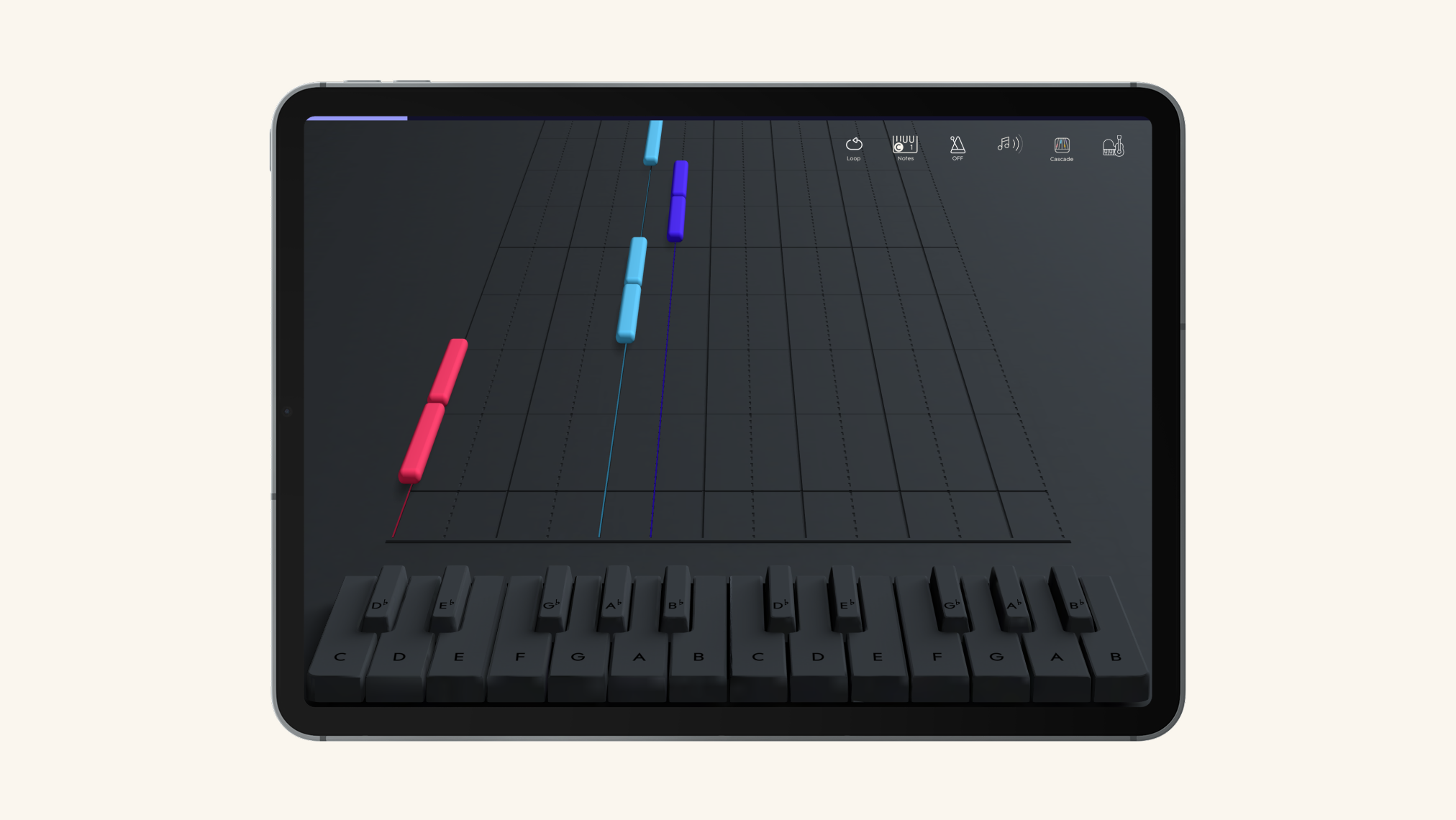
Part one: “Twinkle twinkle little star…”
To make things a little easier, we’ll split the song up into three sections. First up are the first two lines: “Twinkle twinkle little star, how I wonder what you are”. Assuming you’re familiar with the song already, it may help to sing along in your head (or out loud, if you prefer) to get the rhythm right.
To play the first line, simply play the C note twice with your thumb, G twice with your ring finger, A twice with your pinkie, and end on one long G note, again played with your ring finger.
The sequence is C, C, G, G, A, A, G.
Struggling to find the other notes? Just work your way up the alphabet from C, counting each white key. The one immediately to the right of C is D, the one to the right of that is E, and so on. There’s no H note, so the series starts again after G; the key to its right is an A. You can also refer to the image above to help you.
The second line, “how I wonder what you are” has a different, descending melody. This time, you’ll play F twice with your ring finger, E twice with your middle finger, D twice with your index finger, and land on a single C note with your thumb.
The sequence here is F, F, E, E, D, D, C.
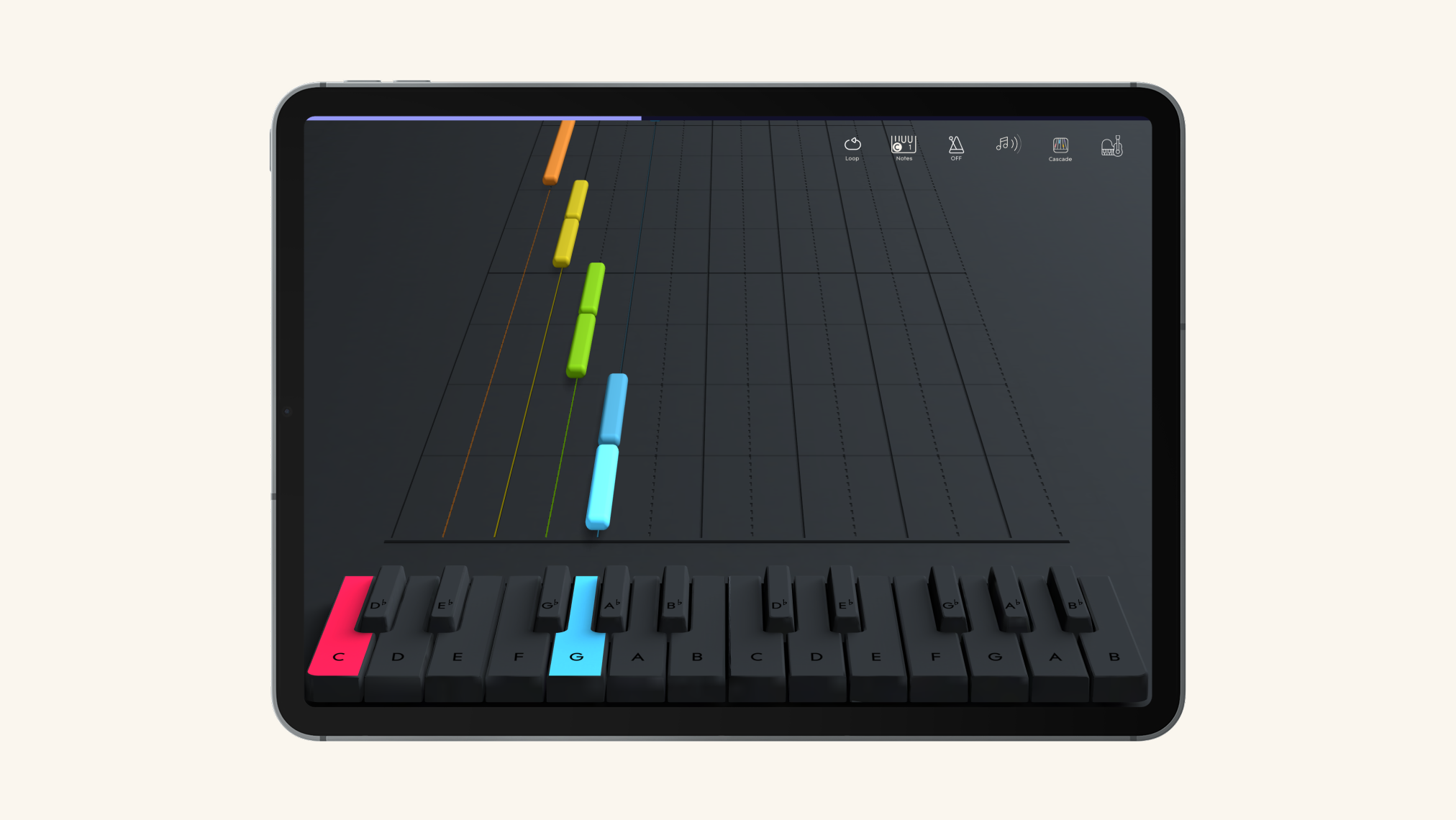
Part two: “Up above the world so high…”
The middle of “Twinkle Twinkle” introduces a new melody, but don’t worry — it’s even easier than the part you’ve just played. For “up above the world so high” you’ll play G twice with your pinkie, F twice with your ring finger, E twice with your middle finger, and then D with your index finger.
That’s G, G, F, F, E, E, D.
“Like a diamond in the sky” uses exactly the same notes — just play G, G, F, F, E, E, D again, using exactly the same fingering.
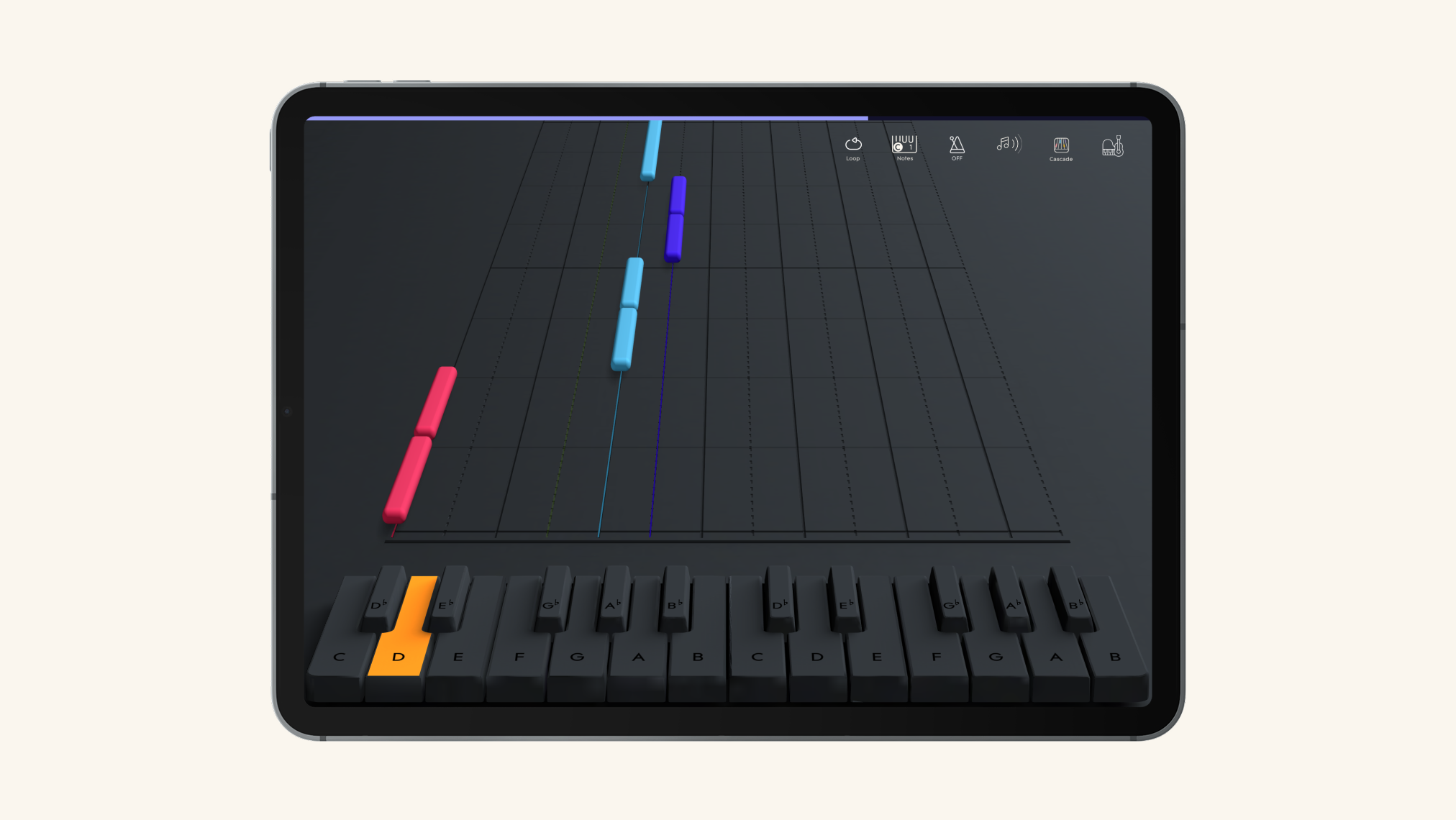
Part three: “Twinkle twinkle little star…” (again)
The good news is that you’re almost done. The even better news is that you already know how to play the last two lines — they’re exactly the same as the first two, and they use the same melody.
To finish the song, just play the same two sequences of notes you began with and use exactly the same fingering: C, C, G, G, A, A, G, and then F, F, E, E, D, D, C. Feel free to really let that final C note ring out — it’s the end of the song!
That’s it — you’re all done!
Congratulations, you’re now a “Twinkle Twinkle Little Star” piano master. If this is the first song you’ve learned to play, you ought to be doubly proud of yourself. A big part of learning piano is staying motivated, and there’s no better way to do that than by celebrating your wins, both big and small.
Learn “Twinkle Twinkle” and 1,200+ more songs with ROLI Learn
If you’ve enjoyed learning “Twinkle Twinkle Little Star” and want to challenge yourself with other classic tunes or contemporary hits, you’re in the right place.
ROLI Piano System is a holistic learning platform that teaches you to play an ever-growing collection of licensed songs using glowing keys, video-game mechanics, and artificially intelligent practice coaches. You also get access to video lessons with real teachers, engaging musical games and exercises, and much more.
Suggested articles
Slay demons with song: Learn the Kpop Demon Hunters soundtrack with ROLI Learn

Learning piano hand coordination with Piano M
Learning to play “Clocks” by Coldplay with Piano M


Learning to play 'Everything I Wanted' by Billie Eilish on Piano M
Learn piano with film scores by John Williams

Learn piano with Olivia Rodrigo and The Beatles
Learn piano with the 2025 Grammy nominees in the ROLI Learn app
Learn spooky Halloween songs with ROLI Learn

Learn the Verve's 'Sonnet' and join the John Lewis TikTok Challenge

Learn to play Coldplay’s ‘Clocks’ with Piano M and the ROLI Learn app
Learn to play Amazing Grace
Learn to play Mozart with ROLI Learn

Learn to play piano chords with new ROLI Learn lessons

Learn to play piano like Coldplay's Chris Martin
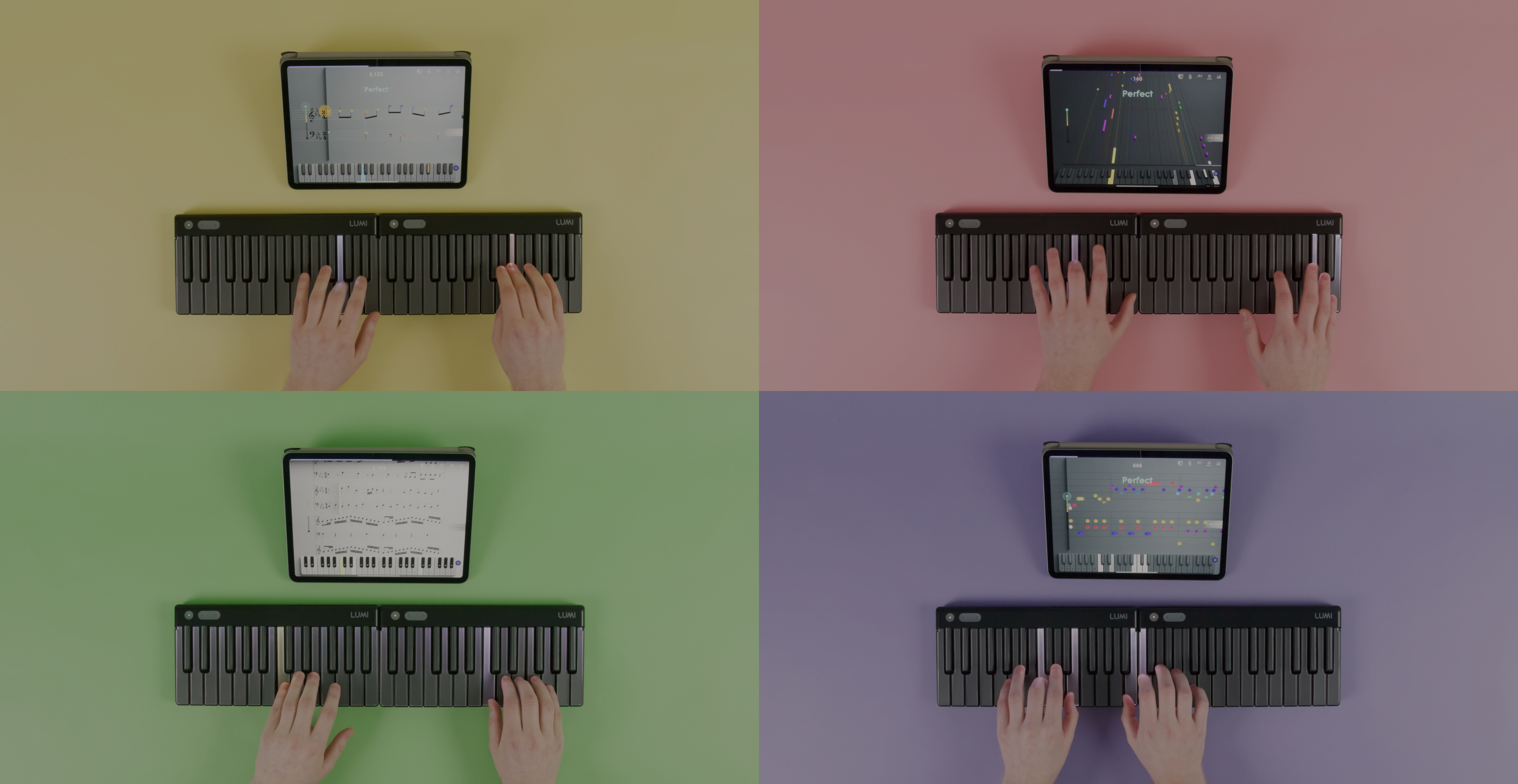
Join the ROLI community