Win a chance to have your Airwave presets featured in an official ROLI soundpack
Need a hand getting started with sound design? Learn from an in-depth tutorial with ROLI Sound & Innovation Manager Marcus
When we first launched Airwave, we loaded it with 160 bespoke presets, all designed to spark inspiration for Airwave users as they create. Now, for the first time ever, Airwave owners will be able to create and edit their own sounds — we’ve updated ROLI Airwave Player to include the full Equator2 editor, which unlocks even more creative possibilities. But how do you get started?
Watch as ROLI Sound & Innovation Manager Marcus guides you through the essentials of using ROLI Airwave Player. You’ll learn everything you need to know to create truly bespoke sounds to use in your productions.
Made something you think we’d love? Enter our Airwave Preset Design competition and win a chance to have your creations featured in an official Airwave Community Soundpack, curated with sounds made entirely by you.
The idea is simple: design a preset, submit it to us, and it’ll have a chance of being included in a future soundpack update, to be heard and used by the whole Airwave community! We'll pick our favourite submissions, give them a final refinement where needed, and release them as part of an official Airwave Community Soundpack. Each winning participant will be credited in the ROLI Sound Library, and as a thank-you, we’ll give you a $250 ROLI Store voucher to spend on software and sounds. We’ll be running this competition again later in the year.
Submission Guidelines
Who can enter
Airwave owners only; you'll need the hardware to design and test your patch properly.
What to submit
A completed Airwave preset file (Instructions coming shortly)
All Airwave dimensions assigned
At least Strike and Press mapped (5D)
Minimum 5 macro controls assigned
Only factory samples accepted
A short note on what the sound is and what it does (a sentence or two is fine)
Sound quality
Your preset should sound polished and purposeful, well-balanced, clear, and considered. Think about how your sound would feel to a player hearing it for the first time. Presets that are technically correct but sonically unfinished are unlikely to make the cut.
A few things to know
You can submit as many presets as you like
ROLI may refine presets before release, but we'll always keep the spirit of your sound intact
Selected creators get credited in the preset library and in release comms
As a bonus, everyone whose preset makes it in gets a selection of soundpacks from the ROLI store
How to submit your preset
Post your preset file directly into our #Airwave channel. If you want to share a quick audio demo or video of it in action, even better, it helps us get a feel for it faster.
Once you're happy with your sound, here's how to find and send your preset file:
In Equator2, click Save As and give your preset a name.
Open Finder (Mac) or File Explorer (Windows)
Navigate to Documents > ROLI > Equator2 > Airwave Presets
Find your preset file and drag it directly into this Discord channel
That's it — Discord accepts preset files no problem. If you want to include a quick audio demo or video of your sound in action alongside it, even better
Questions? Ask them in the Discord server in the #Airwave channel. This channel is the place for sound design chat, feedback, and general nerding out.
Suggested articles
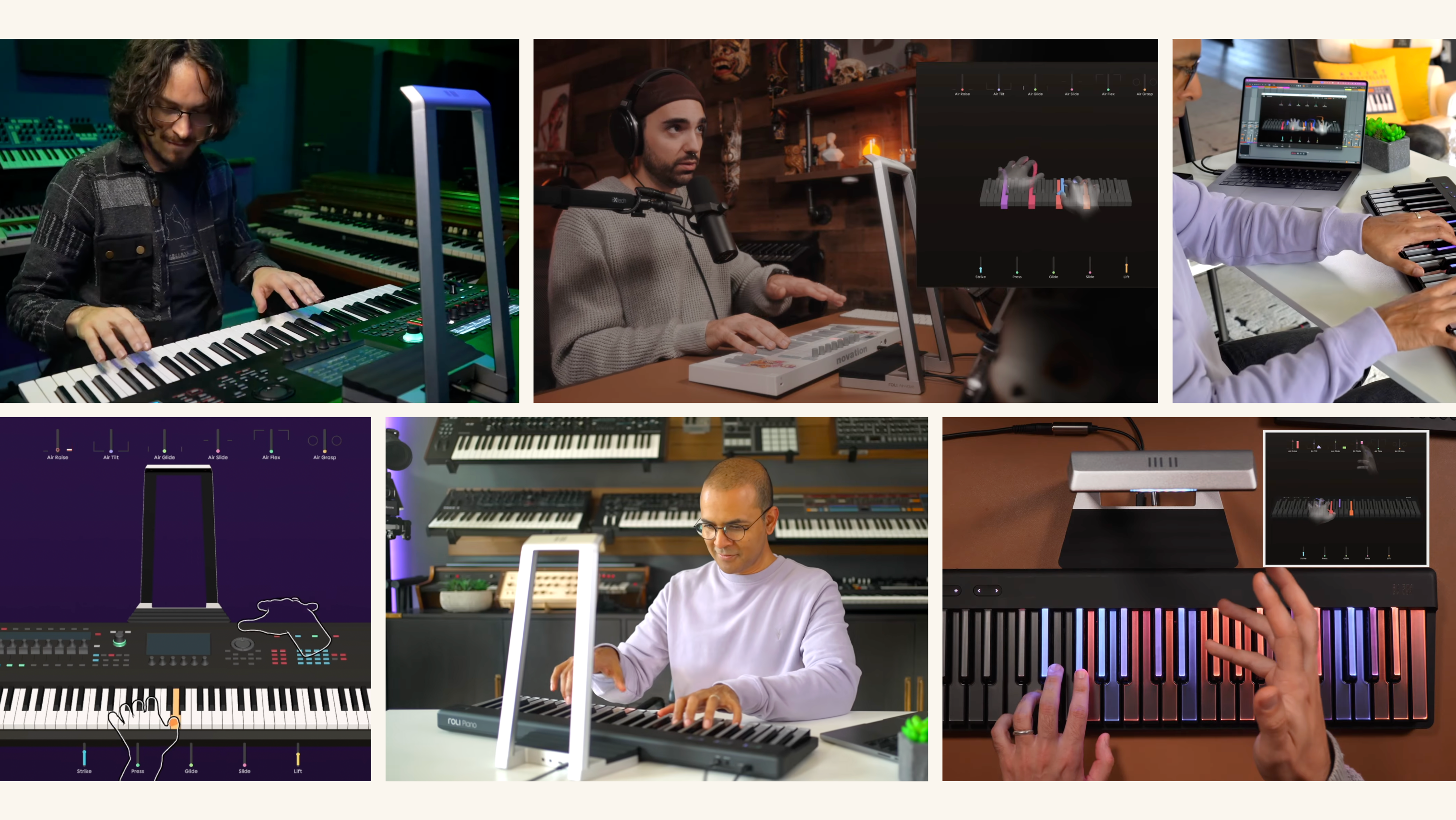


Airwave plays with every MIDI keyboard.

Airwave pushes Yamaha Montage M's expression to new dimensions
Join the ROLI community