ROLI Piano M for Learners
Powered up piano learning (for two hands at once)
Piano M keyboards click together magnetically thanks to our DNA connectors. Pairing two together allows them to work like one continuous, 48-key keyboard, and the added space means you can begin learning two-handed parts to your favorite songs.

Piano M
The portable piano that teaches you to play
Whichever way you learn best, begin your musical journey with Piano M and the ROLI Learn app. Glowing keys show you how to play your favorite songs, friendly instructors are there to guide you, and engaging games and exercises keep you motivated.

Amplified by Airwave
Our latest innovation, Airwave, gives your Piano Ms new superpowers. Using ROLI Vision to track your hands in incredible detail, it powers real-time conversational feedback from AI Music Coach, helping you make faster, more meaningful progress at the piano.
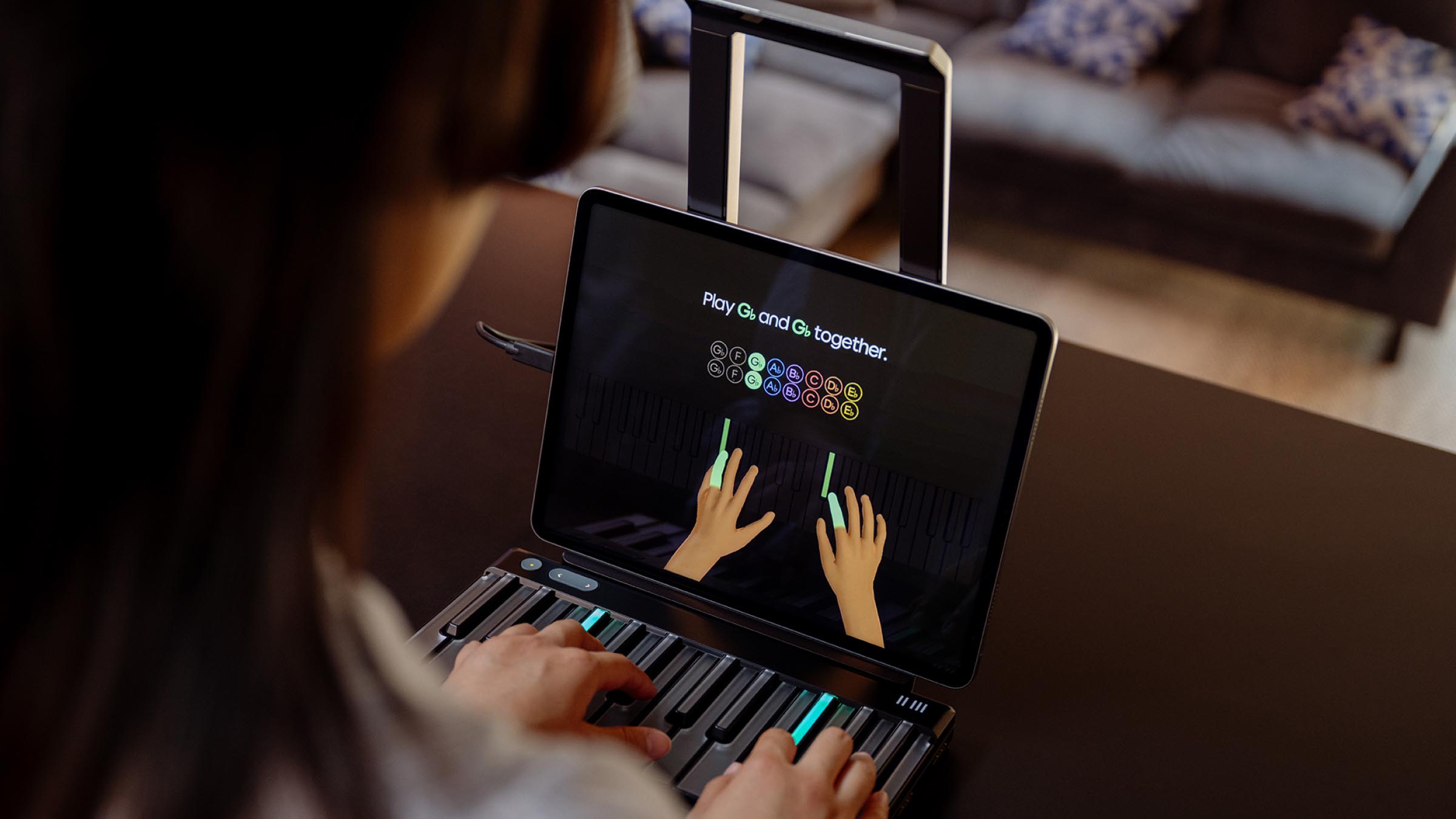
Powered by Spatial AI for music
With ROLI Piano system, we’re pioneering the world’s first Spatial AI platform for music learning. Combining one or more Piano M keyboards with Airwave unlocks the full power of cutting-edge computer vision, machine learning, and spatial computing to help you progress further and faster — all while having more fun.